Myth
A good backtest predicts live trades
Fact
Historical tests depend on the data and assumptions used. Live prices, liquidity and execution can differ, so inspect the test record as evidence about a model, not a forecast.

Build a defined workflow, test its assumptions and keep its live activity available for review.
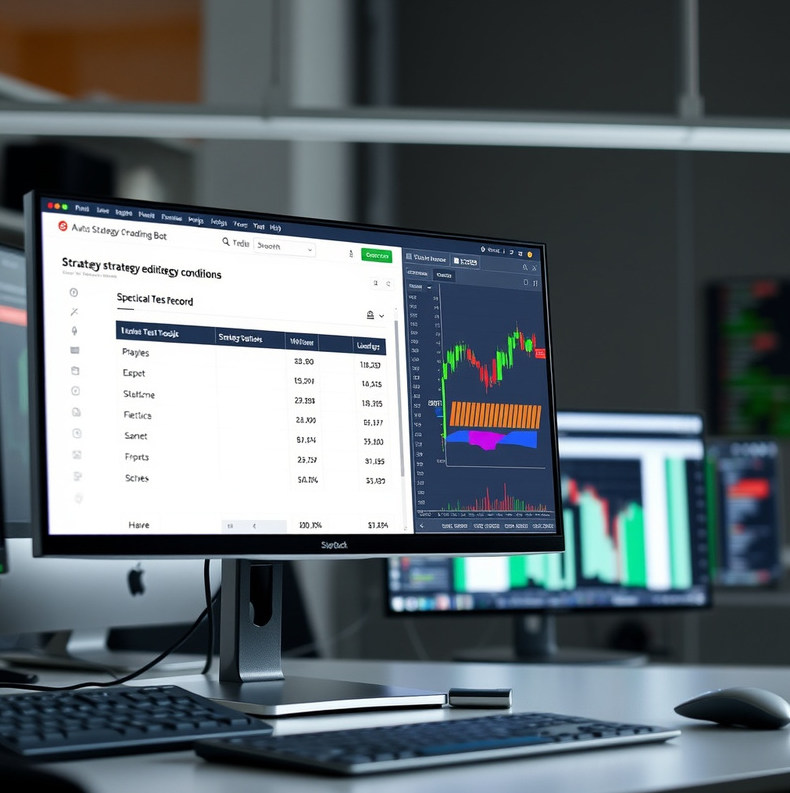
The service provides a browser-based workspace for setting strategy conditions, running historical backtests, configuring position controls and connecting a supported broker account. Setup typically takes several working days after you provide the rules and confirm broker compatibility. You receive a configured workspace, a test record, documented settings and an orientation to the monitoring dashboard. Broker approval, market data availability and the quality of your strategy affect what can be tested or executed; the tool does not supply investment advice.
Enter the conditions for a strategy in a structured configuration and review them before a test runs. The workspace keeps the chosen inputs visible so you can identify which version produced a particular record. You remain responsible for the logic, the instruments selected and any later changes.
Run a strategy against available historical data and examine its trades, drawdowns and assumptions. Tests can expose implementation mistakes and help frame questions about a rule. They cannot reproduce every live-market condition, including future liquidity, slippage or interruptions in data.
Once a supported broker connection is configured, the dashboard shows connection status, order events and exceptions alongside your selected limits. Monitoring makes activity easier to inspect, but alerts depend on working networks and integrations. You should retain your own procedure for checking positions directly with your broker.
| Manual workflow | Configured automation | |
|---|---|---|
| Rule checks | You check each condition yourself | Software checks the conditions you define |
| Order timing | You place orders when available | The connection submits orders when configured conditions are met |
| Record keeping | You maintain your own notes | Settings and events appear in the workspace |
| Responsibility | You decide and supervise | You still decide and supervise |
Paradiseflycatcher does not select securities, develop a personal financial plan or operate an account on your behalf. We can explain configuration fields and investigate tool behaviour, but we cannot validate that a proposed strategy suits your finances. A broker may restrict an instrument or reject an order, and external data services may be delayed or unavailable. Keep access to your broker's own records and controls; if your priority is personal investment guidance, speak with an appropriately qualified professional instead.

Myth
Fact
Historical tests depend on the data and assumptions used. Live prices, liquidity and execution can differ, so inspect the test record as evidence about a model, not a forecast.
Myth
Fact
A connection can fail, an order can be rejected and conditions can change. Set a review routine and know how to check or stop activity through your broker.
Myth
Fact
Configured limits define intended behaviour, but gaps, outages and execution conditions may affect orders. Understand both the software setting and the broker's available controls.
Describe the workflow and broker you use so we can discuss what a setup would involve.
Describe your setup