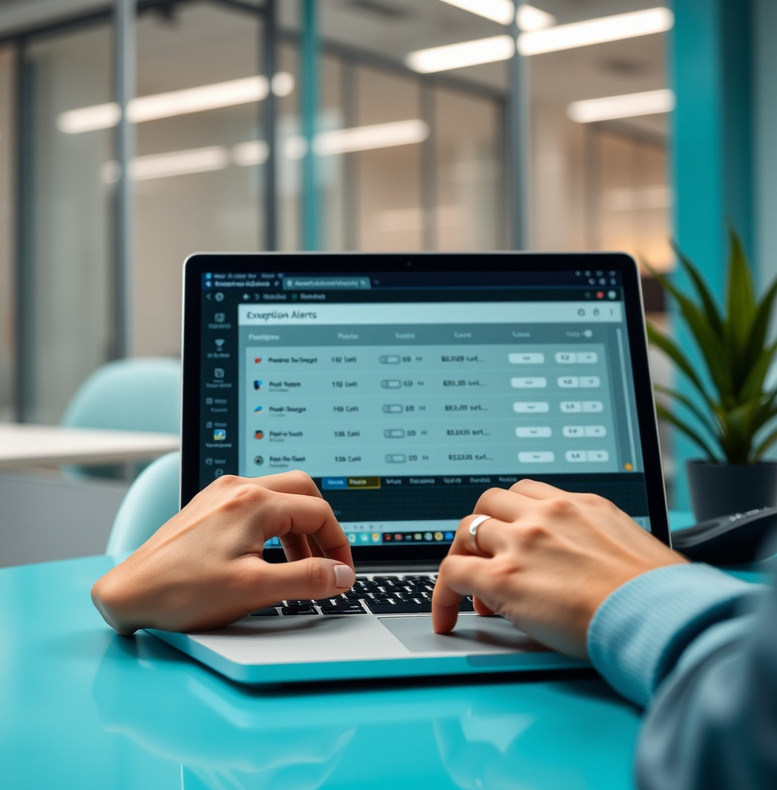
Defined inputs
Set the conditions a strategy uses and inspect them in one place. You supply the logic; the tool records the configuration used for testing and execution.

See what your trading automation does
Inspect strategy settings, test assumptions and order activity before deciding whether automation fits your approach.
Explore the tool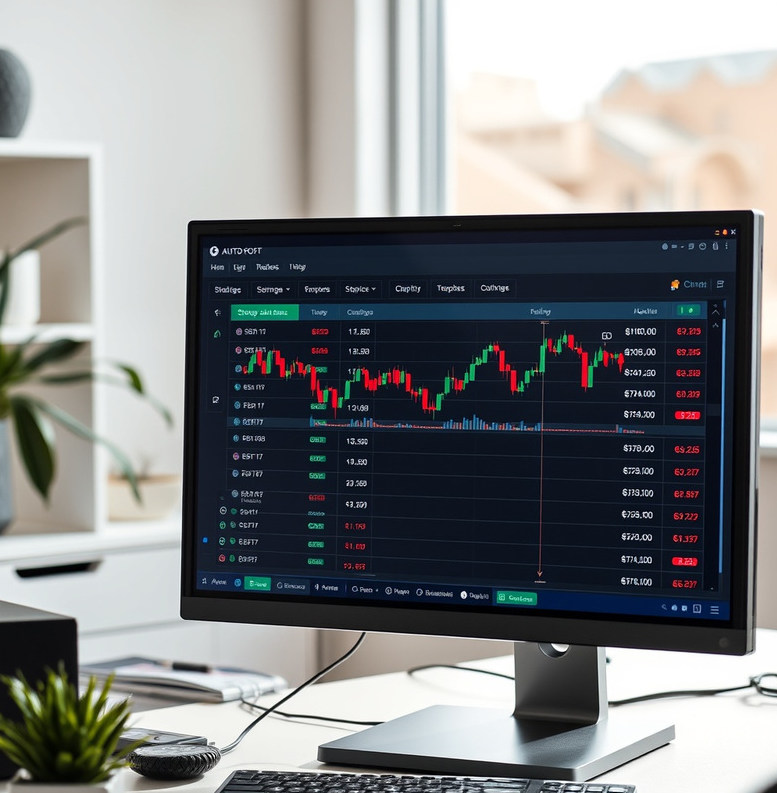
Paradiseflycatcher separates the parts of an automated workflow so you can examine them: strategy rules, historical tests, broker connection, position limits and current activity. A dashboard is useful only when its figures can be traced to settings and events. The tool makes those settings visible, but it cannot tell you which strategy to choose or whether market conditions will suit it. Start with a test, review its assumptions and decide for yourself whether live execution is appropriate.

Compare the available tool plans, their limits and the work needed to get started.
View pricingSet the conditions a strategy uses and inspect them in one place. You supply the logic; the tool records the configuration used for testing and execution.
Run historical tests and inspect assumptions, trade records and drawdowns. Historical behaviour is context for evaluation, not a prediction of future market behaviour.
Monitor connection status, rejected orders and configured limits. Alerts help you notice events that need attention; they do not replace your own supervision.
A completed test does not establish that a strategy will behave the same way in live markets. Prices, liquidity, broker rules, outages and order timing can all change what happens. Paradiseflycatcher helps you configure and observe a workflow rather than recommend trades or manage an investment account. If you cannot explain a strategy's entry, exit and loss limits, pause before connecting it to a broker. The most useful first step is usually to document those rules and inspect a historical test.